
N77 Login
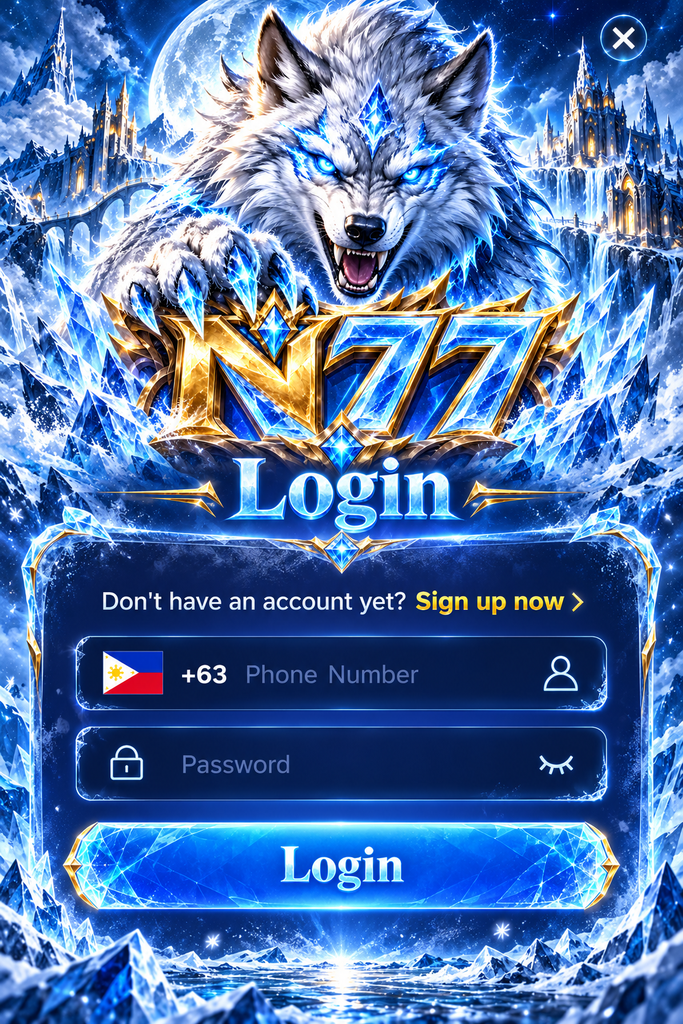
N77 Login – Easy Account Access and Sign-In Guide for Filipino Players
Getting into your gaming account should be simple, whether you’re using an Android phone, iPhone, or computer. For Filipino players, common concerns include entering the correct mobile number, recovering a forgotten password, and resolving login errors.
The N77 Login page provides the account access point for returning users. This guide explains how to sign in, manage your credentials, troubleshoot common problems, and protect your account when switching between devices.
How to Access Your N77 Account
Signing in generally requires the mobile number or username associated with your account and the correct password. Depending on the platform’s security settings, additional verification may be required.
N77 Login Steps for Existing Users
Follow these steps to access your account:
- Open the verified n77 website or official mobile application.
- Find and select the Login button.
- Enter your registered Philippine mobile number or username.
- Type your account password.
- Complete any security verification requested.
- Select Login to access your account dashboard.
N77 Login on Different Devices
| Device | Login Method | Useful Tip |
|---|---|---|
| Android | Chrome or verified App | Keep the browser or App updated |
| iPhone | Safari or supported App | Check browser compatibility |
| Windows PC | Chrome or Edge | Avoid saving passwords on shared computers |
| Mac | Safari or Chrome | Use a trusted password manager |
N77 Register – Creating an Account for the First Time
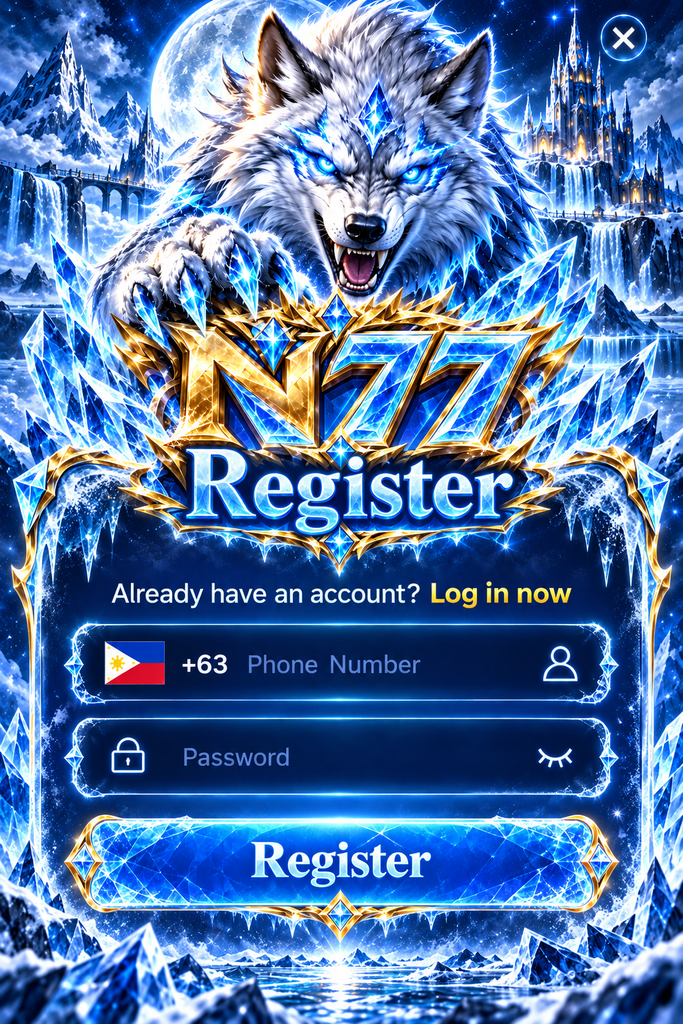
New users need to complete registration before using the N77 Login function.
Select Register on the verified platform and enter the information requested by the registration form. This may include a mobile number, password, and identity verification details.
Use accurate information because inconsistent account details can create problems during future verification or account recovery.
Before submitting the form, review the eligibility requirements and account terms. Real-money gaming in the Philippines is restricted to eligible adults aged 21 and above.
After successful registration, return to the Login page and sign in using your registered credentials.
Forgot Your N77 Password? How to Recover Access
Forgetting a password is one of the most common reasons users cannot access their accounts.
If the N77 Account login page provides a password recovery option, select it and follow the displayed instructions.
You may be asked to verify your registered phone number or complete another identity check.
Once verification is successful, create a new password that is different from passwords used on other websites.
If the recovery option is unavailable or your registered number is no longer accessible, contact the platform’s verified support channel.
What If Your Registered Phone Number Changes?
Changing your SIM card or losing access to a registered number can complicate account recovery.
Avoid creating another account immediately. Instead, contact official support to ask whether the registered contact information can be updated.
Keep any relevant account information available for verification, but never disclose your password or one-time security code.
N77 Login Problems and Quick Solutions
Login problems may come from incorrect credentials, network interruptions, or temporary account restrictions.
Understanding the possible cause can help you choose the right solution.
| Login Problem | Possible Cause | Recommended Action |
|---|---|---|
| Incorrect password | Typing error or forgotten credentials | Check the password or use recovery |
| Invalid phone number | Incorrect country code or number format | Review the +63 format |
| Verification code delayed | Mobile network or SMS delivery issue | Check your signal and request a new code |
| Login page freezes | Browser cache or unstable connection | Refresh after checking the network |
| Account temporarily locked | Repeated unsuccessful attempts | Contact official support |
| Login session expires | Session timeout | Sign in again through the verified platform |
N77 Login Not Working on Mobile Data?
Mobile connections can become unstable when switching between network coverage areas.
If the page stops responding, check whether other websites load normally. You can also try a stable Wi-Fi connection or reopen your browser.
Avoid repeatedly pressing Login while a request is still processing. This can cause confusion or trigger additional security checks.
Keeping Your N77 Login Secure
Account security is especially important when your gaming profile contains personal information or transaction records.
A few practical habits can reduce the risk of unauthorized access:
- Use a unique password that is difficult to guess.
- Avoid sharing login credentials through Messenger, Telegram, or SMS.
- Never provide verification codes to anyone claiming to be customer support.
- Sign out after using a borrowed or public device.
- Check the website address before entering account details.
- Review unfamiliar account activity and report concerns promptly.
Frequently Asked Questions About N77 Login
Can I log in to N77 using my Philippine mobile number?
The illustrated n77 login interface includes a +63 phone number field. Enter the number associated with your account and follow the format shown on the verified login page.
Why does N77 keep asking me to log in again?
This may happen when your session expires, browser cookies are cleared, or the platform requests another security check.
Can I use the same N77 account on Android and iPhone?
Device switching may be supported, depending on the operator’s account policies. Additional verification may be necessary when signing in from a new device.
What should I do if my N77 account is locked?
Stop repeated login attempts and contact verified customer support. Follow the official account recovery or identity verification instructions.